minimal, self-hosted uptime monitoring_
Plain text, monospace, light and dark. One container for the hub, tiny agents for checks from every location you care about. Open source, scales to thousands of monitors on a small VPS.
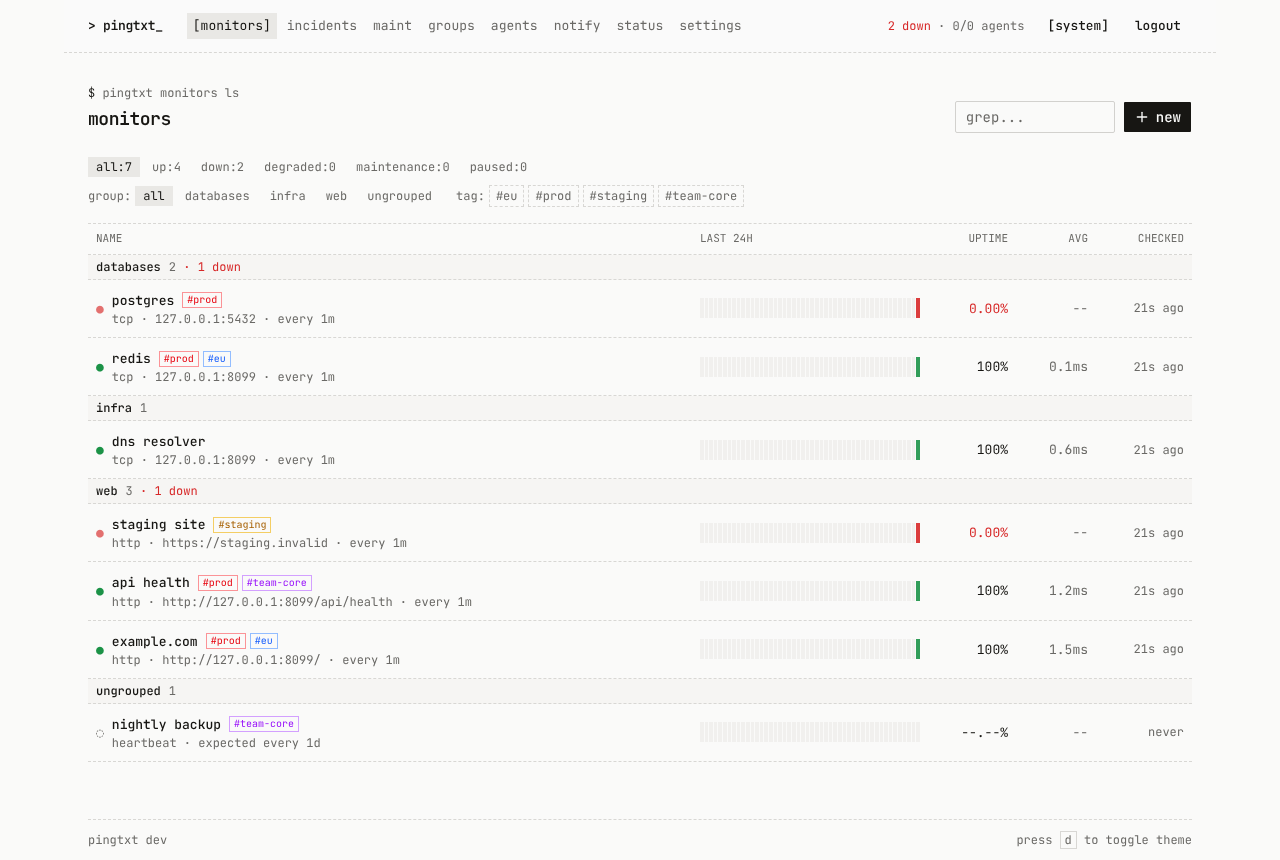
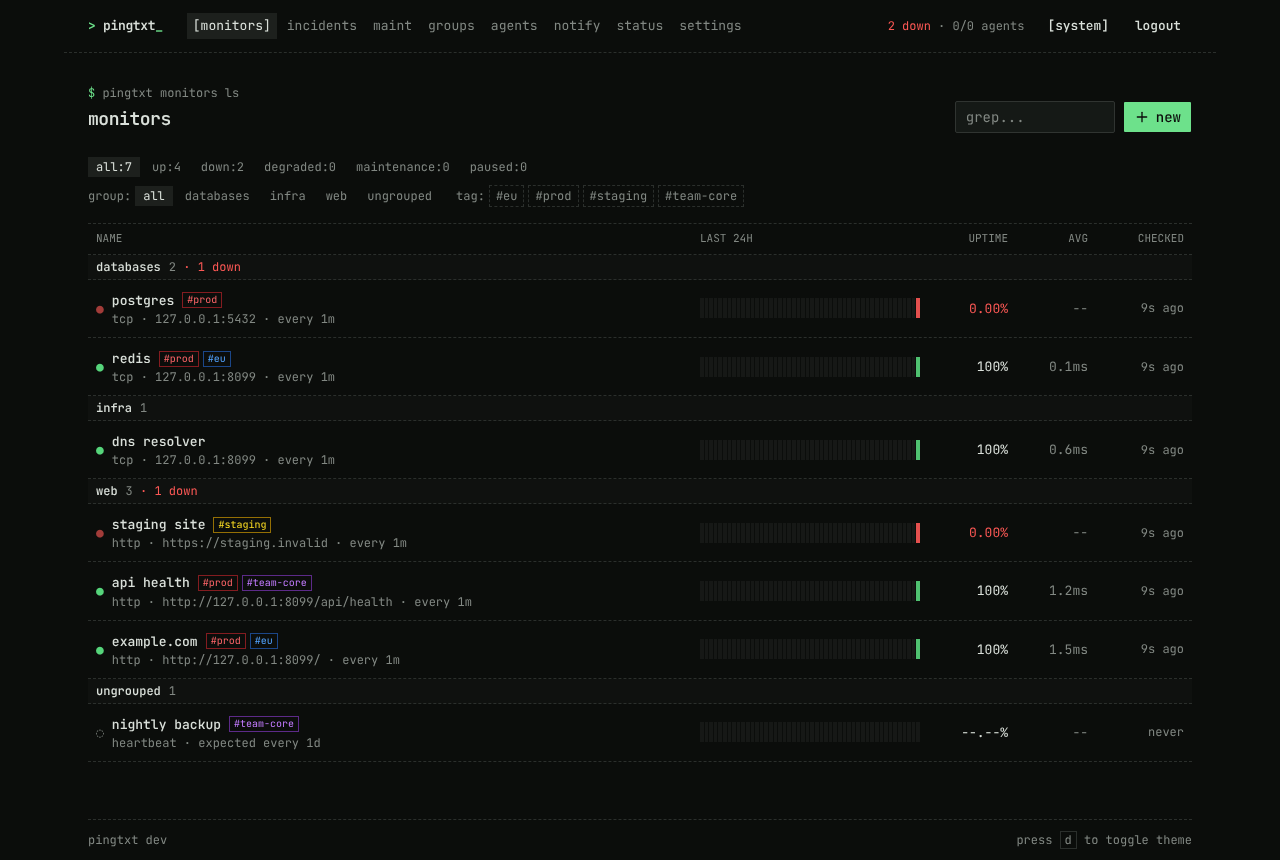
──features
+ one container
Go API, scheduler, SQLite and the web UI in a ~25 MB image. No Node runtime; PostgreSQL or MariaDB only if you want them.
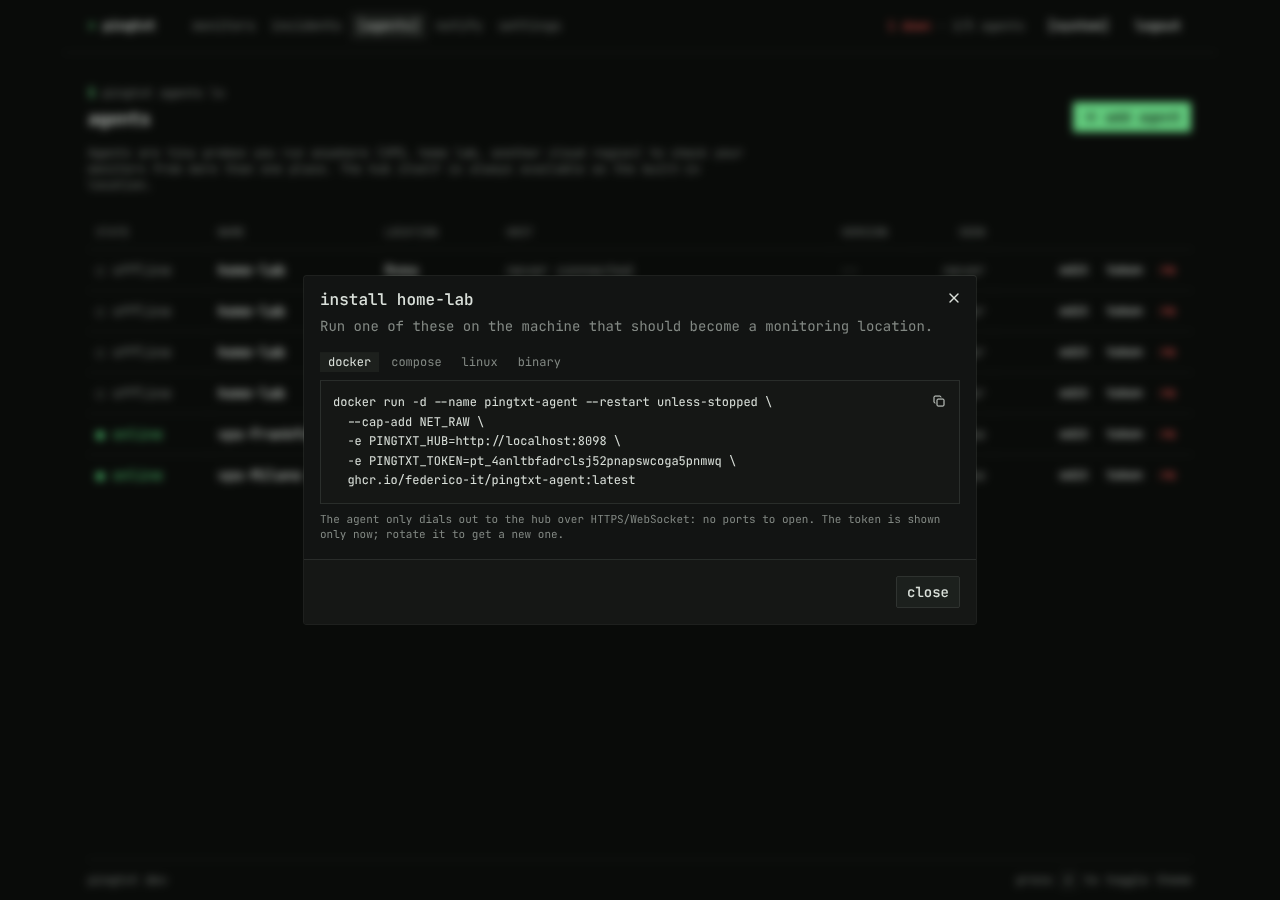
+ multi-location agents
A ~8 MB static binary that only dials out over WebSocket. No open ports, works behind NAT. Install with one command.
+ majority vote status
Down when most online locations fail, degraded when only some do. Response time per location.
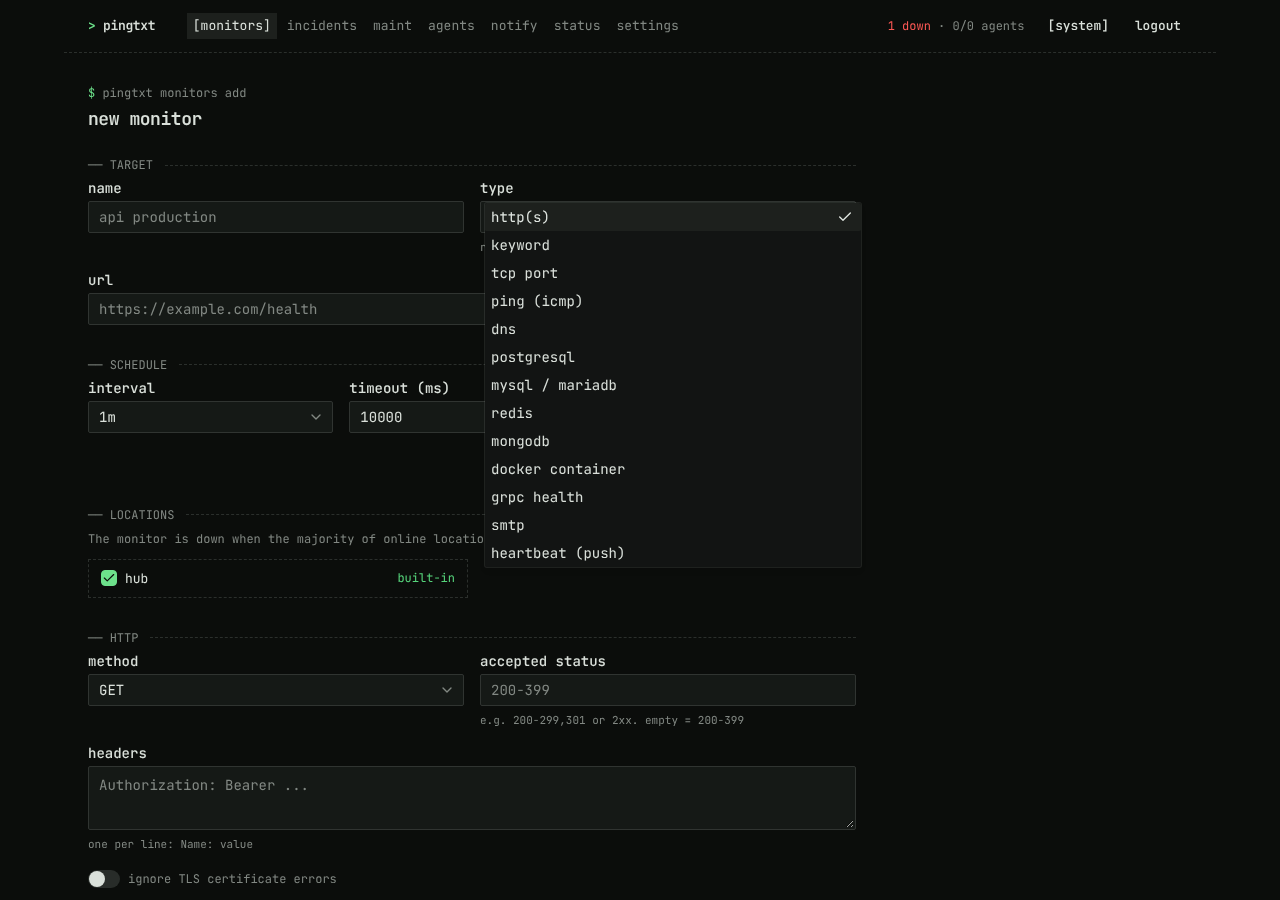
+ lots of check types
HTTP(S), keyword, TCP, ICMP ping, DNS, PostgreSQL, MySQL, Redis, MongoDB, Docker, gRPC health, SMTP and heartbeat.
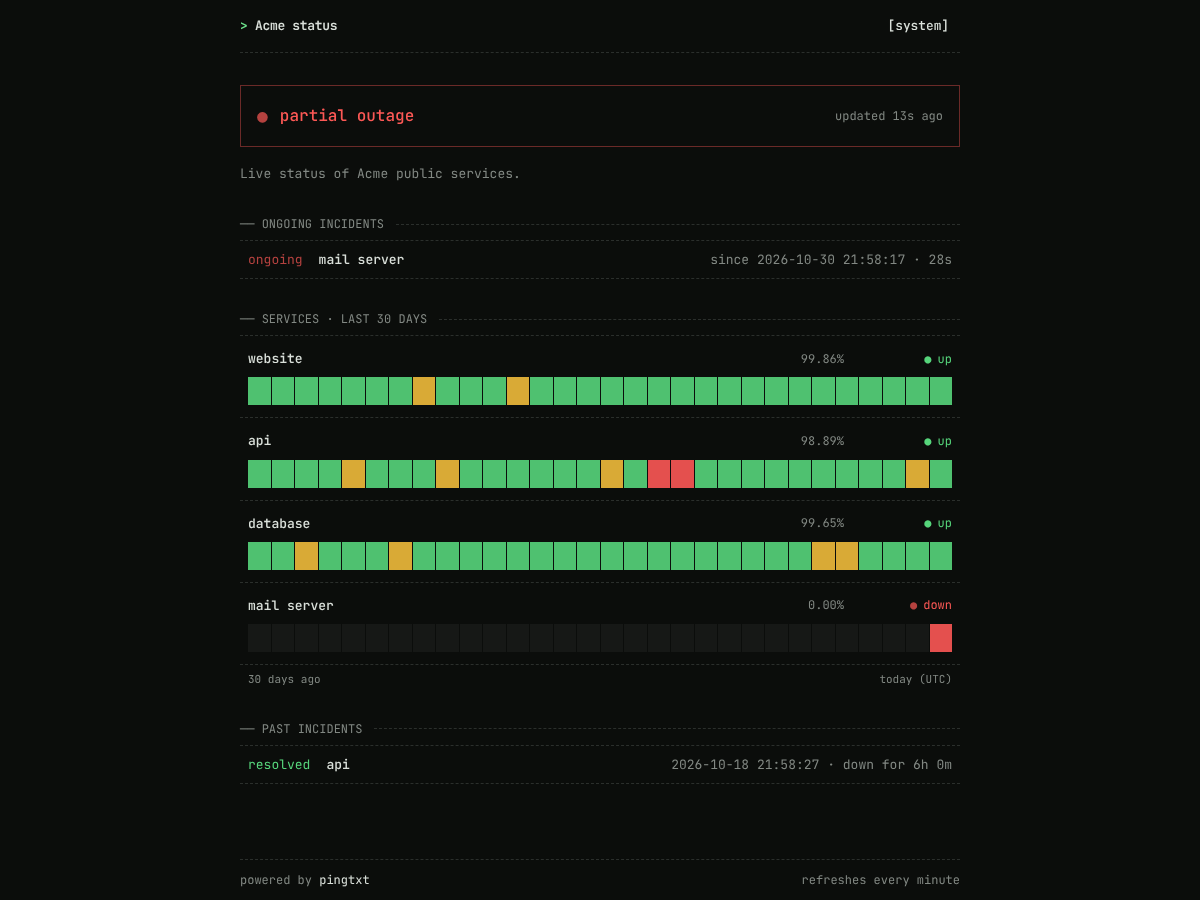
+ status pages
Public pages with the monitors or groups you pick, 90-day uptime history and incidents. Custom domains.
+ maintenance windows
One-off or recurring, in any time zone, for monitors, groups or tags. No alerts, not counted in uptime.
+ certificate + domain expiry
TLS certificate and domain registration alerts (RDAP, WHOIS fallback) with thresholds you set.
+ notifications
Webhook, Discord, Slack, Telegram, ntfy and email (SMTP). Test any channel before saving.
+ groups and tags
Sections on the dashboard and on status pages, colored tags, filters. Select by group or tag anywhere.
+ login your way
Password + TOTP, GitHub, Google or any OpenID Connect provider. Personal API tokens, read or read+write.
+ prometheus
/metrics with status, latency per location, uptime, expiry and agent connectivity.
+ self-updating agents
Upgrade the hub, agents update themselves on reconnect, checksum-verified, with rollback on failure.
──screenshots
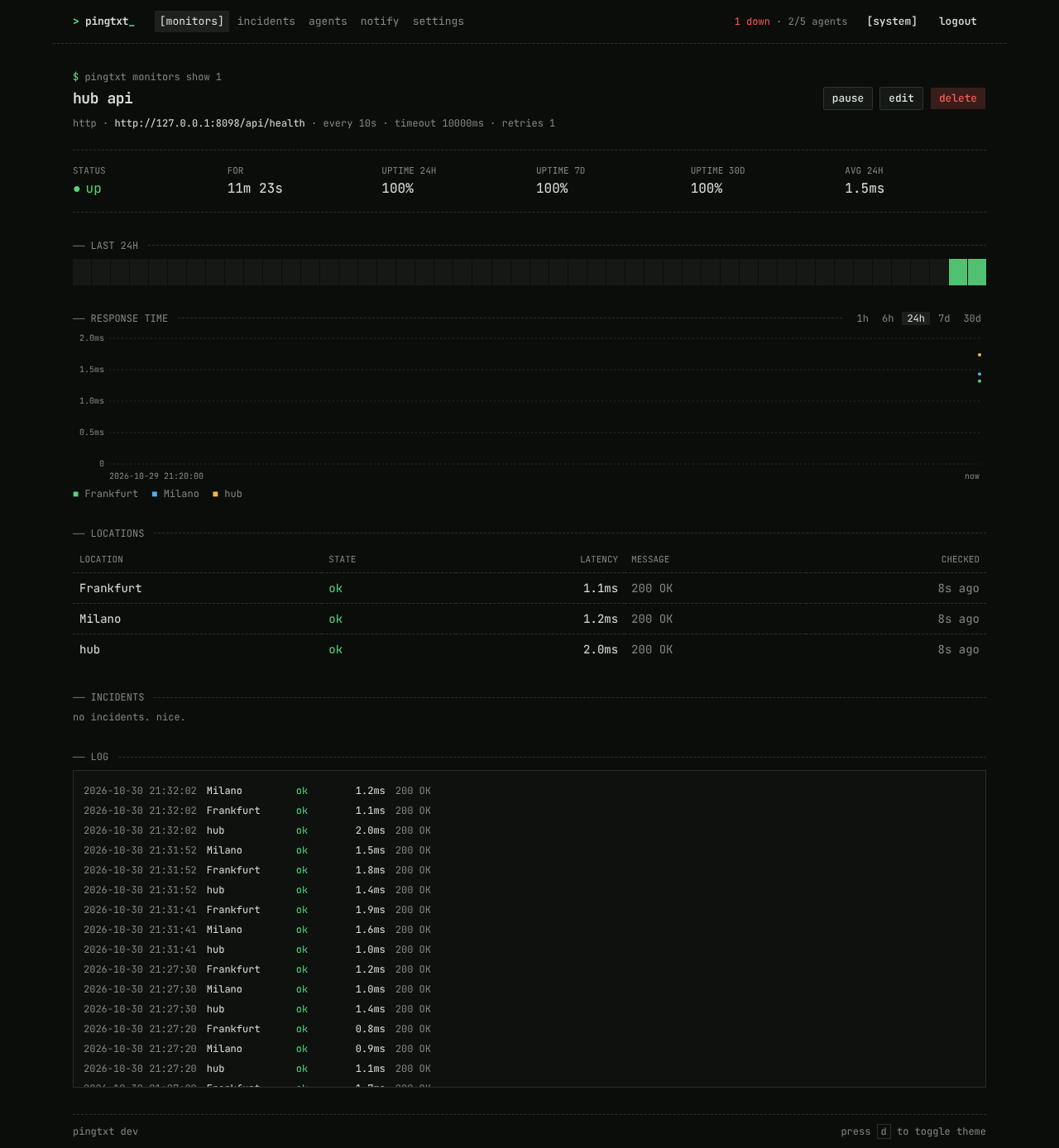
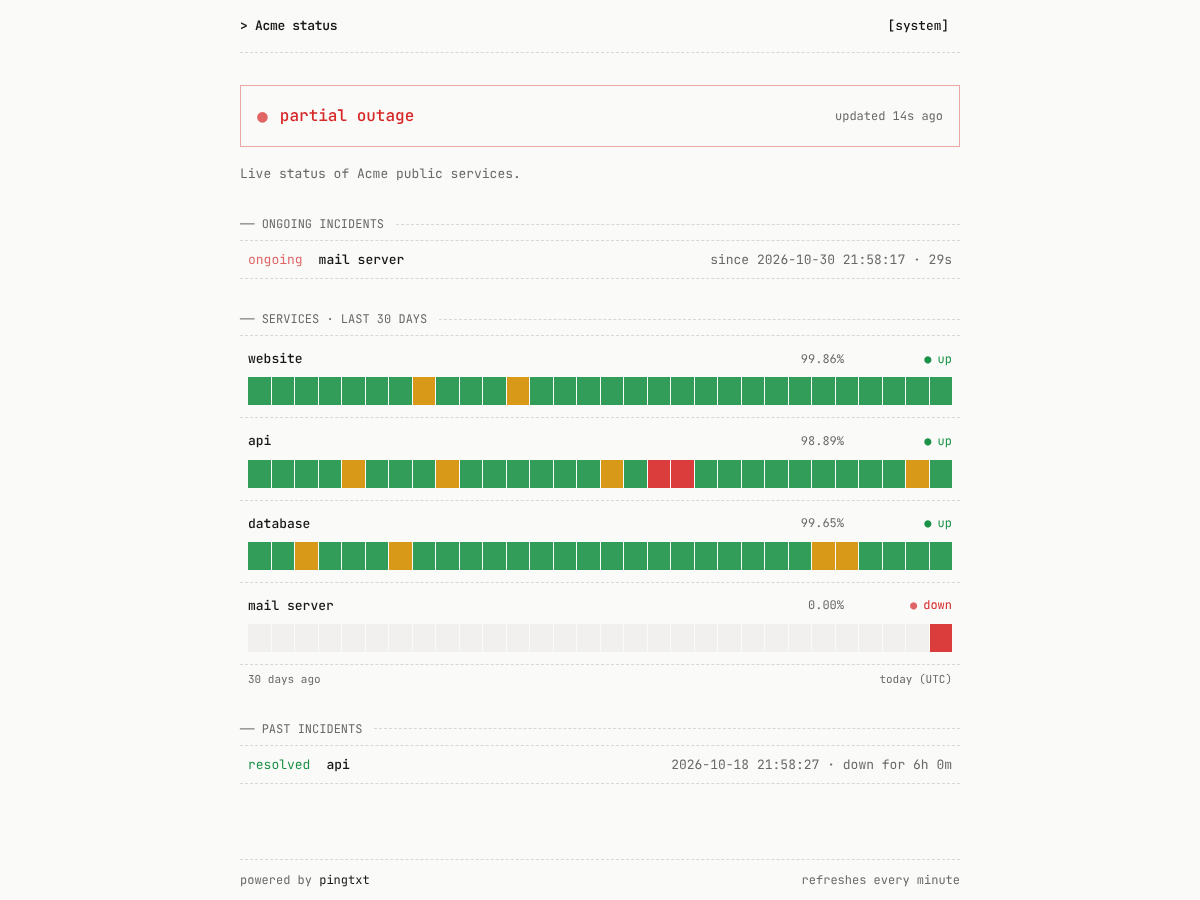
──install
1. run the hub
Save this as docker-compose.yml and run docker compose up -d. Open http://localhost:8090 and create the admin account.
services:pingtxt:image: ghcr.io/federico-it/pingtxt:latestrestart: unless-stoppedports:- "8090:8090"volumes:- ./data:/data
docker run -d --name pingtxt --restart unless-stopped \-p 8090:8090 -v ./data:/data \ghcr.io/federico-it/pingtxt:latest
2. add locations (optional)
The hub checks from where it runs. For more locations, start an agent anywhere: it dials out to the hub, so nothing needs to be exposed.
# in the UI: agents → add agent, then on the remote machine:docker run -d --name pingtxt-agent --restart unless-stopped --cap-add NET_RAW \-e PINGTXT_HUB=https://status.example.com -e PINGTXT_TOKEN=pt_xxx \ghcr.io/federico-it/pingtxt-agent:latest# or Linux + systemd, binary downloaded from your hubcurl -fsSL https://status.example.com/install-agent.sh | sudo sh -s -- \--hub https://status.example.com --token pt_xxx
Everything else (public URL, login providers, notifications, retention) is set in the web UI. Full docs →
──how it works
            ┌──────────────── hub container ────────────────┐
 browser ──>│  Go http server ─ /api/*  ─ SQLite/PG/MariaDB │
            │        │          /        ─ web UI            │
            │   scheduler ──> local probe ("hub" location)  │
            │        │                                       │
            └────────┼───────────────────────────────────────┘
                     │ jobs / results over WebSocket (agent dials out)
          ┌──────────┴──────────┐
     agent (Frankfurt)     agent (home lab) ...
The hub schedules every check and sends it to the agents; agents are stateless and reconnect with backoff. Hub and agents share the same Go probe code, so a check behaves the same from every location.